LoreSync
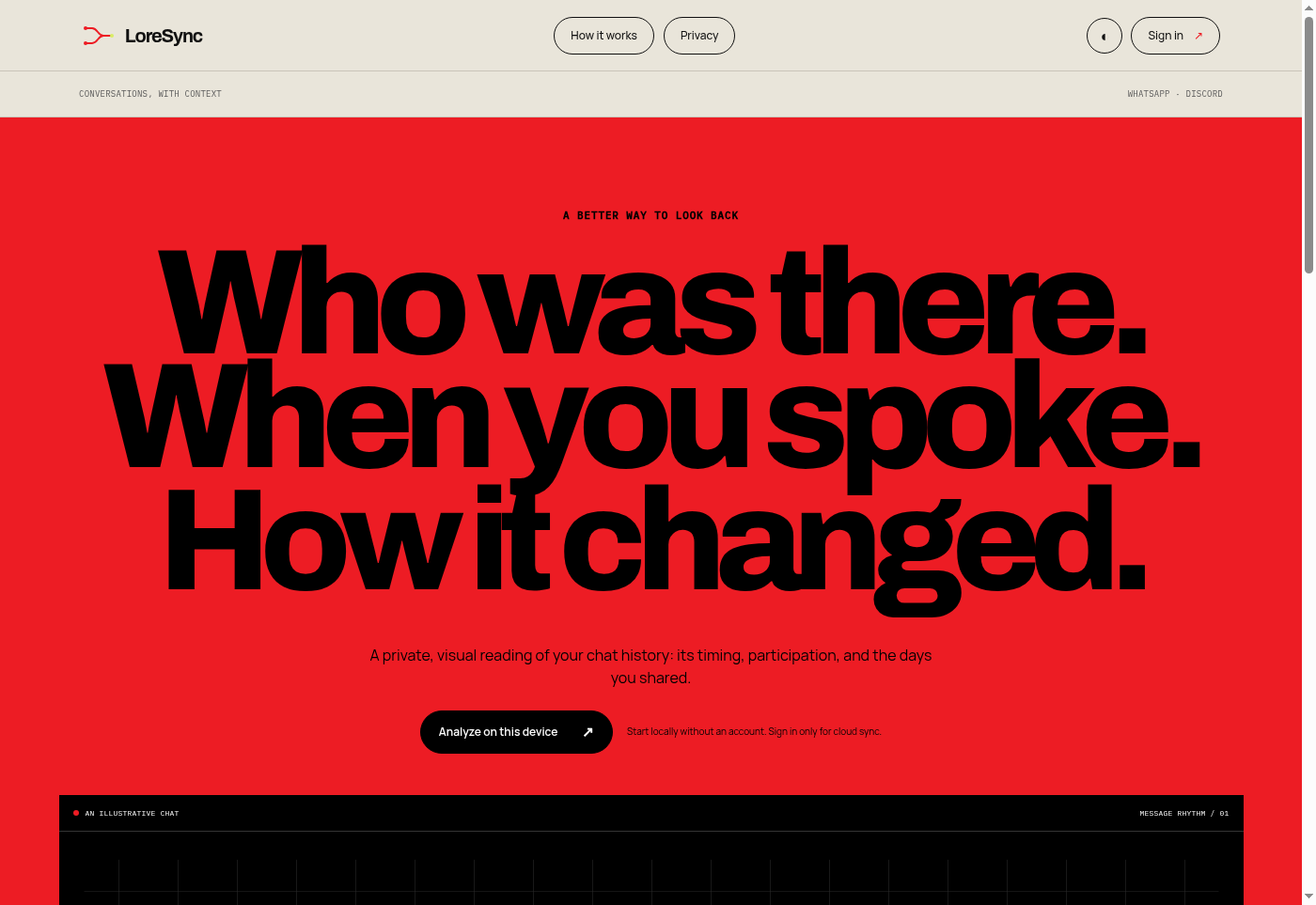
A long chat export is difficult to read end to end. LoreSync gives it a timeline you can explore in your browser.
Analyze the export locally
The browser reads the WhatsApp text or Discord JSON and builds activity views from the export. That makes the first useful question answerable on the device: when did the group get busy, and who was posting? Cloud archiving is a separate, optional step. A spike counts messages; understanding what happened still takes reading them.
The idea
A scrollback tells you what someone just said. To see how a conversation changed over years, I built views for participants, activity, and milestones.
How it works
1. Import an export
Bring a WhatsApp .txt export or Discord .json export into the browser.
2. Explore the history
Review participation and activity views generated from the imported conversation.
Privacy and status
LoreSync is in early development. Local analysis runs in the browser; optional Supabase cloud archiving is still being developed and may not be configured in every build. The product does not produce sentiment scores or relationship verdicts. Use synthetic conversations on the public preview, and review the source before importing sensitive data.
What I’m exploring
I’m refining how the timeline connects a pattern back to the messages behind it. The counts and dates should be as easy to understand as the conversation itself.